Build Your Apartment Guides
Deep how-to pages for the Beta penthouse, from first furniture to wired rooms.
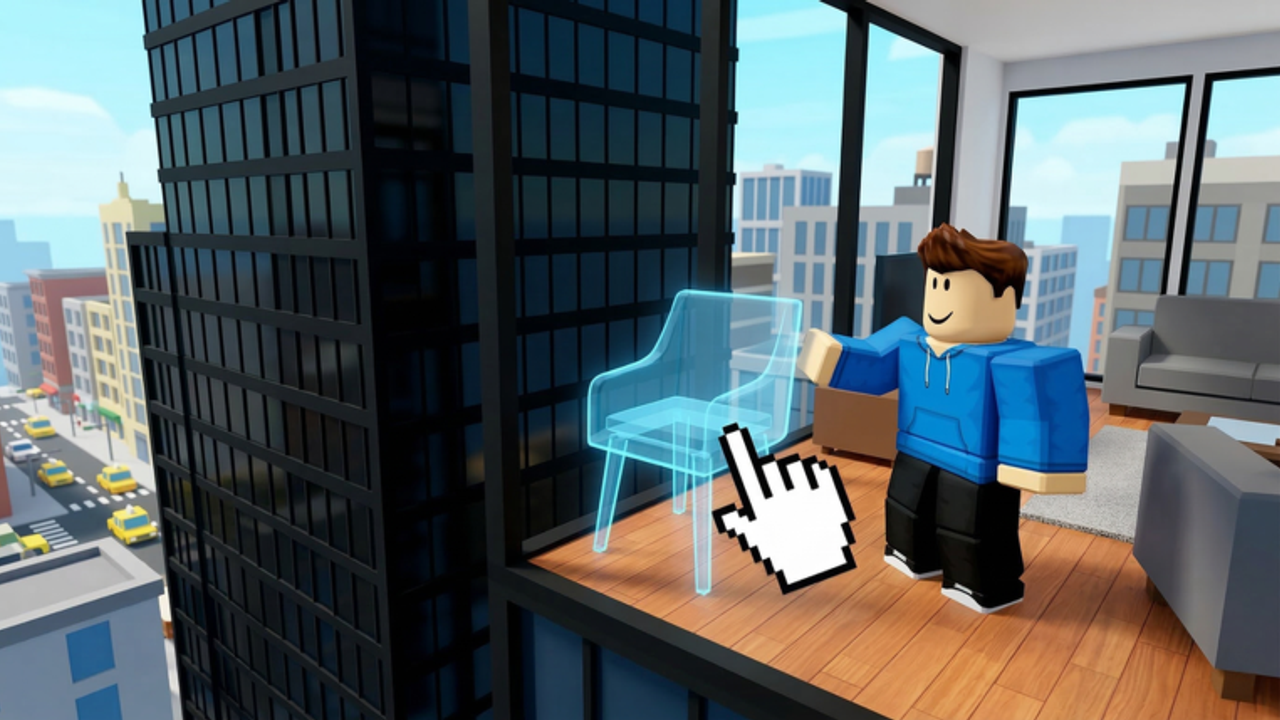
This hub is the map for every how-to on the wiki. Build Your Apartment looks simple from the Roblox page: a glass penthouse, more than 100 furniture pieces, and a promise that placement is free. The friction shows up ten minutes later, when a save slot is full, a friend cannot edit, paint asks for pixels, or a wire does nothing. Average sessions are short, so these guides stay practical.
Start with getting started if this is your first join. That page covers the first-hour loop without assuming you already bought Fly Mode. Then learn controls so you stop fighting the camera while you place sofas.
Build systems worth learning early
Saves. The game advertises save and load as a collection feature. Slots are not infinite on a free account, and even the Unlimited Save Slots pass still respects a 3.6 MB memory ceiling. Read save and load before you delete a layout you liked.
Friends. Bambu Farm lets other players build in your apartment. That is online co-op, not a local couch mode. The invite friends guide explains permissions and why a guest might only walk around.
Wiring. The store description calls out working mechanisms. If a door, light, or gadget sits inert, the wiring page is the next stop. We describe the intent of the system from official copy and player videos, and we mark anything that still needs a live test.
Paint. Recoloring costs pixels unless you own Unlimited Paint Tool. Paint and pixels covers when to spend and when to wait.
Limits. Free placement does not mean infinite parts. The default cap is 7,500 blocks, doubled by Max Block Increase. Block limit shows how to design inside that budget.
Style and inspiration
The official blurb names modern, pool, and tropical apartments. Build ideas turns those three looks into room-by-room plans, then points to the build style tier list if you want a ranked comparison. Pair that with the furniture tier when you are choosing what to spawn first.
How these guides are written
Every page prefers first-party facts: the Roblox description, gamepass text, and group page. Where a YouTube session shows a real penthouse, we embed one video in the middle of the matching article. We do not invent keybinds or hidden codes. If a control is not documented, the guide says so and tells you what to test in a private build.
Use the layout planner when you want a block budget before you start walls. Use the gamepass picker only after you know which system is actually blocking you.
Suggested path
- Getting started — join, place, save once.
- Controls — move, fly if owned, and leave walkways.
- Save and load — protect the layout.
- Paint and pixels or wiring — pick the system you care about.
- Build ideas — commit to a look.
Also read lookalike games before you trust a search result, and badges if you only want the Move-In Day welcome stamp.
When you want the wider wiki, jump to codes, updates, or official links.
Frequently Asked Questions
Quick answers about the penthouse sandbox.
Which guide should I read first?
Start with Getting Started, then Controls and Save and Load. Those three prevent most first-session losses.
Do the guides assume I bought gamepasses?
No. Paid perks are called out as optional. Free placement is enough to finish a first apartment.
Is there a walkthrough for a story campaign?
Build Your Apartment is a sandbox, not a stage list. Guides cover systems and styles instead of a final boss.
Where do videos appear?
A page embeds at most one real YouTube session, placed mid-article. Duplicate topics share a single page.