Build Your Apartment Furniture Tier List
Ranked jobs for a 100-plus item catalog, not a chair-by-chair spreadsheet.
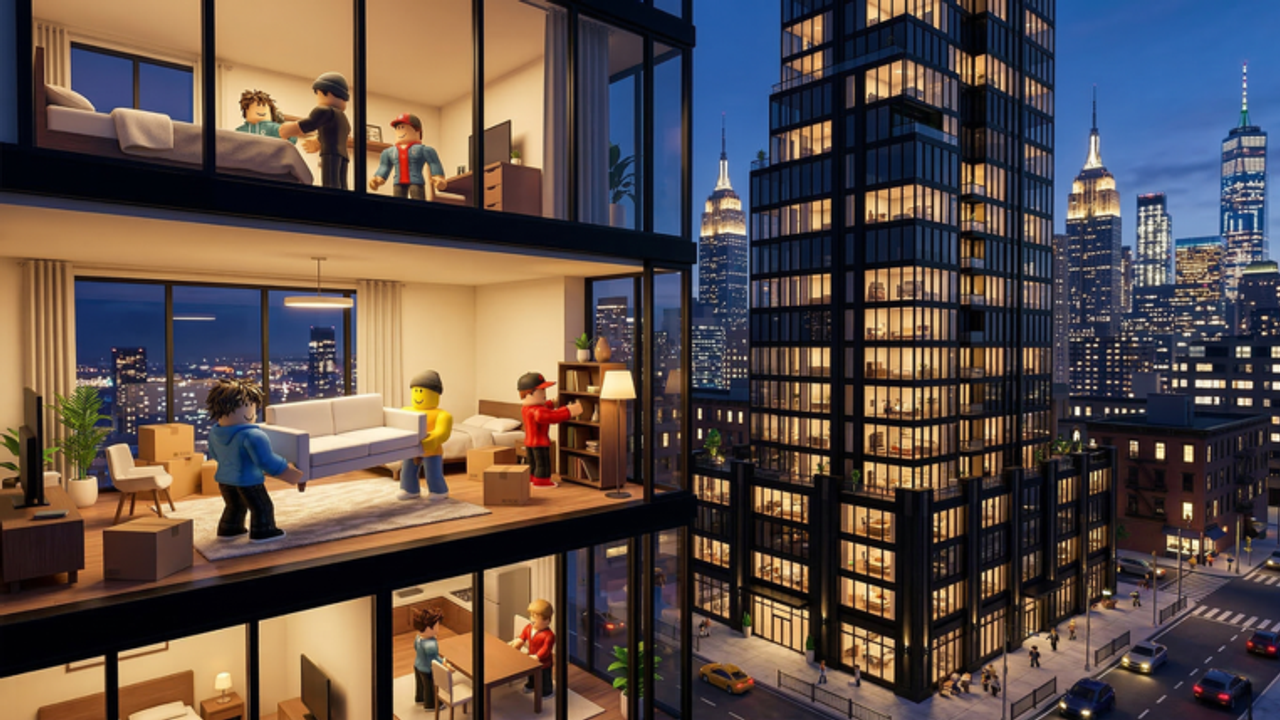
Build Your Apartment advertises more than 100 furniture pieces and free placement. A per-item S-to-D list would be outdated the next Beta Thursday. This page ranks jobs. If a new chair shows up, drop it into the family that matches how you use it.
S — Scale pieces
Sectionals, beds, kitchen runs, and large tables. They tell you how big the penthouse is. Place them first, as getting started and build ideas both argue. One good sofa beats six accent chairs that fill the block limit and still leave the room feeling empty.
A — Lighting that reads at night
Floor lamps, pendants, and window dressings. The glass already supplies daylight. Night is when a penthouse looks cheap or expensive. If you own Fly Mode, pendants become easier; they are still A-tier without it if you stick to floor lamps. See controls.
A — Outdoor and water edges
Lounge chairs, thin pool volumes, balcony rails. Official styles include pool and tropical. A single edge treatment sells the fantasy. A field of floaties does not. Keep dry walkways.
B — Plants and art
Two or three plant types, one art wall. Tropical wants more plants, but not a nursery. Art is a paint multiplier: a large panel you recolor is cheaper than fifty tiny posters. Paint and pixels is the partner page.
C — Gadgets and wiring props
Buttons, doors, and toys from the mechanism set. They are why some players join, but they are not how a room photographs. Build them after the skeleton. The wiring guide keeps the first circuit small.
D — Micro clutter
Bowls, stacks of books, tiny food, extra cushions. Fun in a screenshot, lethal on a 7,500 cap, and annoying in co-op when five people add “just one more.” Use them as a finish, then stop. Invite friends if you need a house rule.
Premium-only blocks
Premium Pass unlocks exclusive blocks. Treat them as A-tier accents if they fill a hole the free catalog lacks, and as C-tier flex if they only exist to shine in the elevator. They are not required for any style rank on the build style tier.
How to use this list in a session
- Spawn one S-tier piece per zone.
- Add A-tier light and one outdoor edge.
- Save.
- Add B-tier plants or art.
- Stop before D-tier unless you still have 1,000 parts of budget.
The layout planner can hold those counts. The furniture ranks will not tell you a secret rare ID. If a YouTube video dumps the whole catalog, skip to the moment they place the sofa. That is the S-tier lesson.
Codes will not unlock a hidden chair today. When the catalog grows, we will move families, not invent mythical items. Check updates after a furniture patch.
A useful drill is to screenshot the room after S-tier and A-tier only. If the screenshot already looks like an apartment, you are done. If it looks like a storage unit, you chose the wrong scale pieces, not the wrong clutter. Adding D-tier on top of a bad skeleton makes the cap problem worse and the photo worse. Delete, replace the sofa, and take the screenshot again before you touch plants.
Frequently Asked Questions
Quick answers about the penthouse sandbox.
What furniture should I place first?
One large scale piece per zone: sofa, bed, or kitchen run. Then lighting, then outdoor edges.
Are Premium blocks automatically S-tier?
No. They are exclusive, not automatically better at filling a room.
Why is clutter ranked so low?
It burns the 7,500 part cap and hides walkways, especially in co-op sessions.
Will you list every catalog item?
No. Beta additions would rot a full table. Families stay accurate longer.