Build Your Apartment Controls
Move, place, and orbit the penthouse without fighting the camera.
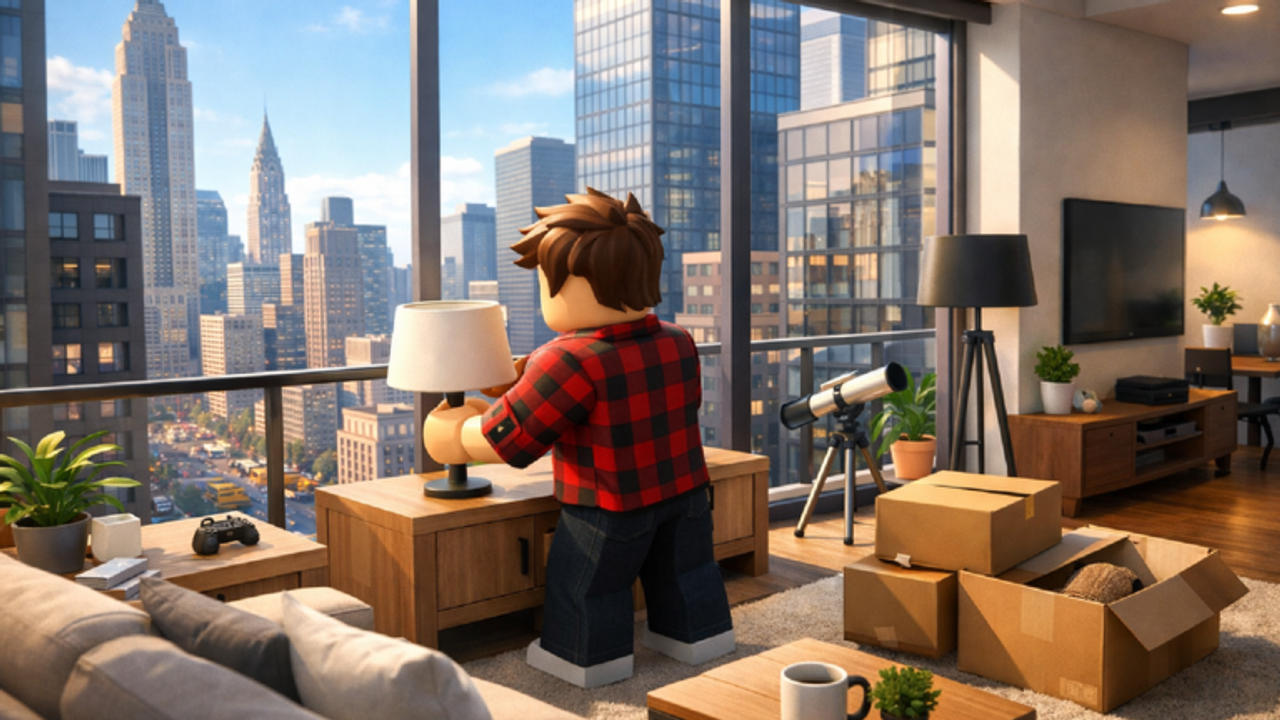
A penthouse sandbox lives or dies on how fast you can look, place, and undo. Build Your Apartment does not publish a full key list on the Roblox page, so this guide splits controls into what every Roblox player already knows, what the gamepasses document, and what you should test in a private save. If a bind differs on your device, trust the in-game prompt over any wiki table.
Default movement
On keyboard, expect WASD to walk, space to jump, and the mouse to look. Shift is the usual descend or sprint modifier in Roblox fly tools; on foot it may only change walk speed. Mobile players get the standard thumb stick plus jump. The penthouse has glass edges and an elevator. Walk the rim once so you know where a misclick sends you.
Servers can hold ten people. If someone stands in your doorway, hop a quieter server before you blame the camera. The getting started page covers that first join.
Placement habits that feel like controls
Most time loss is not a missing hotkey. It is placing a sofa, realizing the walkway is gone, and deleting half the room. Treat these as part of the control scheme:
- Place large furniture first, then rugs, then clutter.
- Leave a one-character gap to every door and the elevator.
- Rotate in 90-degree steps until you own the optional precision pass of another game — this title does not advertise Bloxburg-style advanced placement.
- Delete from the last piece backward so you do not orphan a floating lamp.
Those habits matter more once you approach the 7,500 block cap. See block limit before you spam small parts as “detail.”
Fly Mode, if you own it
Fly Mode is a paid pass listed on the store for this experience. Bambu Farm’s other builder, Buildverse, documents fly keys as E to toggle, Space and Left Shift for up and down, and WASD to move while building. Test those binds in Build Your Apartment after purchase. If the prompt on screen differs, follow the prompt. Flying is for ceiling lights, exterior glass, and pool edges — not for racing friends through the lobby.
You do not need Fly Mode to finish a first apartment. Buy it when you keep dying on the glass or when you cannot reach a hanging lamp. Rank that spend against other passes on the gamepass tier list.
Paint, wiring, and extra tools
The paint tool is a separate control surface. It costs pixels per use unless you own Unlimited Paint Tool. Do not bind your whole session to recolors. Park the layout, then paint. Details live on paint and pixels.
Wiring is another tool family: you connect a trigger to a mechanism. The wiring guide is the place for that loop. Do not expect a stamper-era AND gate tutorial to match this Beta one-to-one.
Camera discipline
Orbit at standing height when you judge a living room. Drop low for coffee tables. Look up only when you place ceiling pieces. A camera that lives in the sky makes every sofa look like it floats. If you use Fly Mode, toggle it off before you take a screenshot for friends.
On mobile, pinch zoom is easy to overshoot against glass. Lock your thumbs, place one item, then re-frame. The layout planner helps you decide room sizes before you wrestle the camera at all.
Controllers and accessibility
A gamepad can walk and look, but catalog browsing is faster with a mouse or touch. If you play on a controller, keep the catalog favorites short. There is no official accessibility statement on the store page. Use Roblox’s own camera sensitivity and UI scale if text feels small.
When a control “does nothing”
- You are a guest without build permission. Ask the host, or read invite friends.
- You hit the block cap. Delete or buy Max Block Increase after you read the limit guide.
- You are in a stale Beta server. Rejoin.
- You expected a code box. There is no verified redeem UI while the Codes Hub lists nothing.
Save after any control experiment. A bind test is not worth a lost penthouse. The save and load page is the partner to this one.
Frequently Asked Questions
Quick answers about the penthouse sandbox.
What are the Fly Mode keys?
Bambu Farm documents E to toggle and Space / Shift for height in a related builder. Test the on-screen prompt after you buy Fly Mode here.
Can I play Build Your Apartment on mobile?
Yes. Placement is slower on a thumb stick, so keep the first layout simple and save often.
Why can I walk but not place furniture?
You may lack build permission in a friend's apartment, or you may have hit the block cap.
Is there a full official key list?
Not on the public store page. This guide combines Roblox defaults, gamepass text, and what you should verify in-game.