Build Your Apartment Penthouse Planning Tools
Checklists that replace impulse Robux and leftover clutter.
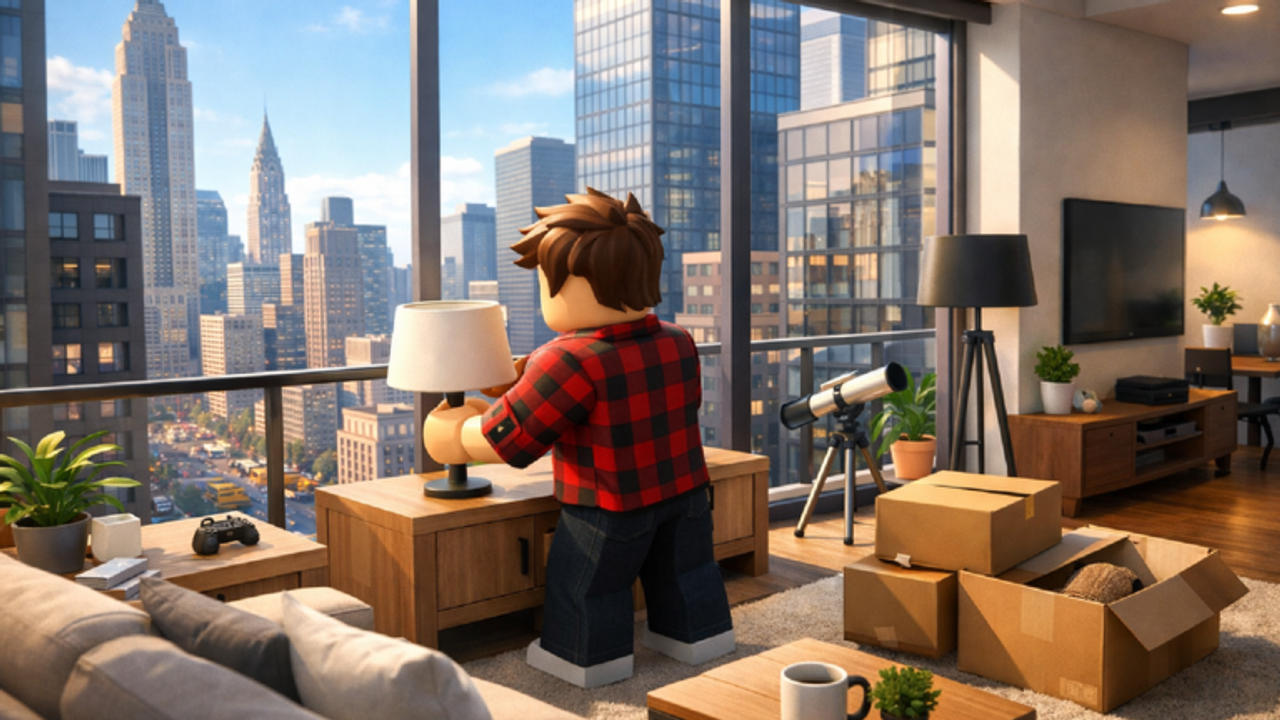
These tools are for the five minutes before you join. Build Your Apartment is easy to open and easy to waste. A pass bought for the wrong pain, a slot overwritten, or a room that hits 7,500 parts mid-sofa — all of that is preventable. Each helper below is a structured page, not a hidden calculator claiming fake formulas.
Gamepass picker
The gamepass picker asks what blocked your last session: height, slots, color, parts, or prestige. It then points to one pass and the matching guide. Use it after you have played once. Buying blind is how Premium Pass happens before you have a sofa.
Save planner
The save planner helps you name slots and respect the 3.6 MB ceiling on Unlimited Save Slots. It is a companion to save and load. If you only have one slot, the planner tells you what to protect first.
Layout planner
The layout planner splits a 7,500 (or 15,000) budget across elevator, living, private, and outdoor zones. It exists so build ideas stay buildable. Write the numbers down, then join.
What these tools are not
They are not scripts. They do not inject furniture. They do not redeem codes. They do not replace the wiring tests you still have to run in-world. If a site offers a “layout generator” that wants an executor, leave and read script safety.
Suggested order
- Play the getting started hour.
- Open the picker if you felt a real blocker.
- Plan the next save and the next room budget.
- Only then spend Robux or start a second theme.
When a Beta patch changes a pass price or the cap, we will update the helper pages and the gamepass tier list. Until then, treat the numbers as planning aids, not as physics.
Friends can use the same notes. A shared Google row is optional; a shared rule — host saves, guests do not load — is mandatory. See invite friends.
If you want official destinations after you plan, use official links. The tools stay on this wiki so you can think before the catalog opens.
Frequently Asked Questions
Quick answers about the penthouse sandbox.
Do I need these tools to play?
No. They prevent wasted Robux and wasted parts. You can ignore them and still place furniture.
Are the numbers official?
Caps and memory come from gamepass text. Zone splits are planning suggestions.
Is this an in-game item?
No. These are wiki checklists. Nothing here injects into Roblox.
Which tool should I open first?
The gamepass picker if you are about to buy. The layout planner if you are about to build a new theme.